
MiniMax H3: 2K AI Video Generator with Native Audio
Generate 5 to 15 seconds at 2K and 24fps from a text prompt, an image, keyframes, or multimodal references. The current browser workspace supports up to 9 image references plus one video and one sound clip.
No card required. First generation is free.
MODEL OVERVIEW
What Is MiniMax H3?
MiniMax H3 is a next-generation AI video Generator that understands text, images, video, and audio in one connected workflow.
Omni-Modal Video Generation
MiniMax H3 is MiniMax's general-purpose omni-modal video generation model. It reads text, images, video, and audio in one shared context rather than treating each input as a separate task. That keeps the MiniMax H3 workflow direct: write the intention, attach the references that matter, and let the model connect them in a single video.
Production-Ready Video Creation
For production work, MiniMax H3 generates 5 to 15 seconds at up to 2K with native stereo audio. A single prompt can carry camera direction, dialogue, sound cues, and visual constraints, so a brief describes not just what appears on screen but how the shot moves and resolves. That makes MiniMax H3 practical for advertising concepts, product films, social creative, game cinematics, and previsualization.
Reference-Led Creation & Keyframes
MiniMax H3 is built for reference-led work as much as prompt-led generation. A character image establishes appearance, a clip communicates motion or camera language, and a sound clip guides rhythm or ambience. First-and-last-frame generation adds a clear visual destination for product reveals, transformations, storyboard transitions, and controlled camera moves. MiniMax released H3-Base open weights on August 3, 2026 for eligible open-source and customized workflows.
Text
Describe the scene, movement, camera, lighting, dialogue, and sound.
Images
Guide character appearance, product design, style, or composition.
Video
Reference motion, performance, camera behavior, and scene timing.
Sound
Guide rhythm, ambience, music, or sound direction.
Four Ways to Generate Videos with MiniMax H3
The current MiniMax H3 workspace offers four clear starting points: create from text, animate one image, control a transition with first and last frames, or guide the result with multimodal references.
Text to Video
Describe the complete shot, including the subject, action, environment, camera movement, lighting, visual style, and sound. MiniMax H3 turns your creative brief into a detailed video at up to 2K resolution.
Choose from six MiniMax H3 aspect ratios, ranging from cinematic 21:9 to vertical 9:16, for advertising, social media, film concepts, and product content.
Generate Text to VideoImage to Video
Upload a product photo, illustration, storyboard frame, or campaign visual and describe how the subject, camera, environment, and sound should develop.
The source image establishes the opening composition while the prompt directs motion, timing, atmosphere, and the final moment.
Animate an ImageFirst and Last Frame
Provide both an opening and final frame to define how the scene begins and ends. MiniMax H3 generates the motion and transition between the supplied images.
Use this workflow for product transformations, visual reveals, storyboard animation, scene transitions, and videos that need a controlled final frame.
Generate from First and Last Frames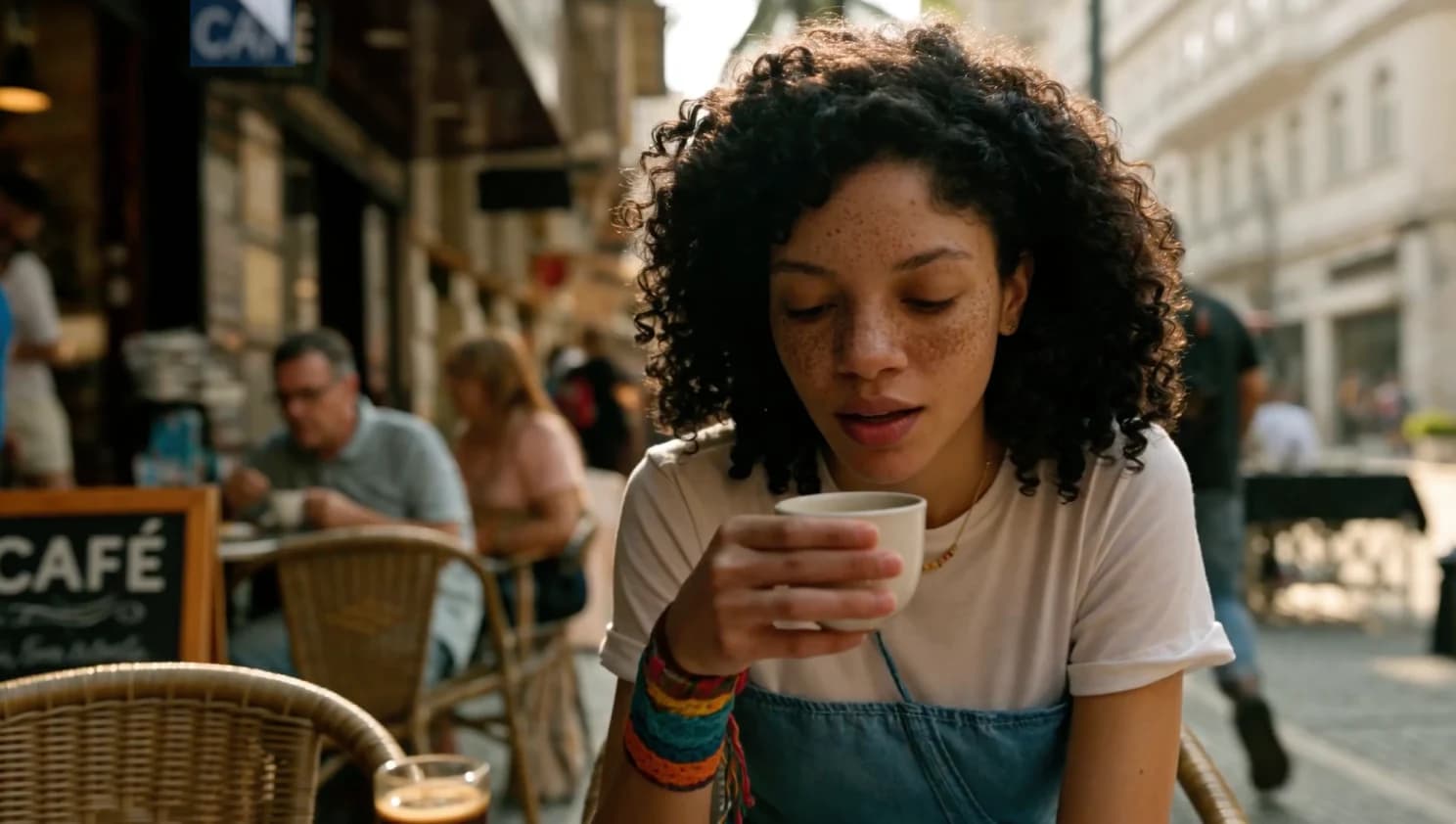
Sound input
Reference to Video
Combine images, a video clip, and supported sound input to guide character appearance, product appearance, movement, camera behavior, sound, and timing.
The current browser workspace accepts up to nine image references plus one video and one sound clip. Give every uploaded asset a clear role in the prompt.
Use this workflow when text alone cannot communicate the character details, product design, motion, or audiovisual direction you need.
Generate from ReferencesMiniMax H3 Video Examples
Explore MiniMax H3 prompts, motion direction, and visual approaches created with MiniMax H3.
01
Studio product
A brushed metal watch turns slowly under controlled strip lighting. Macro lens, black cyclorama, quiet mechanical foley.
Use this direction02
Night drive
Low tracking shot beside a car moving through wet neon streets. Reflections remain stable while the camera accelerates.
Use this direction03
Editorial window light
A subject turns toward window light as the camera makes a restrained handheld push-in. Maintain visual consistency and wardrobe.
Use this direction04
Architectural light
Sunlight travels across a concrete interior from morning to dusk in one composed shot, with subtle room tone.
Use this direction05
Fashion motion
Full-body runway movement with fabric physics, a lateral tracking camera, and a clean stereo score timed to each turn.
Use this direction06
Coastal aerial
Aerial camera descends through morning mist toward a dark coastline. Natural wind, distant surf, steady horizon.
Use this direction07
Glass and water
High-speed product shot of water wrapping around clear glass, then settling into a sharp final pack frame.
Use this direction08
Game cinematic
A lone explorer crosses an illuminated industrial chamber. Wide lens, controlled orbit, layered machine ambience.
Use this direction09
Performance cut
A singer performs in a compact rehearsal room. Match lip movement, performance timing, camera rhythm, and practical lighting.
Use this directionHow to Create a Video with MiniMax H3
- 01
Write the shot
Tell MiniMax H3 who or what is in frame, what changes during the clip, how the camera moves, and how the scene should sound. Use clear constraints for details that must stay stable.
- 02
Attach references
Add only the images, clips, or sound inputs that sharpen the direction. MiniMax H3 can use references for character appearance, product detail, motion, camera language, sound, and pacing.
- 03
Generate and download
Review the complete MiniMax H3 clip for subject consistency, motion, camera behaviour, audio, and the final frame. Refine one instruction at a time, then download the version that works.
MiniMax H3 Capabilities
| Capability | Hailuo 2.3 | MiniMax H3 |
|---|---|---|
| Output | Earlier Hailuo workflow | MiniMax H3: up to 2K at 24fps |
| Length | Short-form generation | MiniMax H3: 5–15 seconds |
| Audio | Separate production step | MiniMax H3 native stereo generation |
| Context | Limited creative inputs | MiniMax H3 reads text, images, clips, and audio together |
| Keyframes | Single opening image | MiniMax H3 first-and-last-frame control |
| Weights | Hosted workflow | MiniMax H3-Base open weights released on August 3, 2026 |
Choose the MiniMax H3 workflow that gives your shot the clearest creative direction.
MiniMax H3 Credit Pricing
Choose a one-time credit pack for text-to-video, image-to-video, first-and-last-frame, and reference-based creation. Start small to test your workflow or save more with higher-volume credits.
One-time payment · No subscription · No auto-renewal · Credits never expireCredit Pack
Starter
$9.90 one-time
$0.050 per credit
200 credits
8 standard 5s 2K videos
$1.24 per standard video
A low-cost way to test MiniMax H3, H3 Max, and Turbo prompts, images, references, and creative settings before purchasing a larger pack.
- Use credits with MiniMax H3, H3 Max, and H3 Max Turbo
- A standard 5-second 2K generation uses 25 credits
- Access text-to-video, image-to-video, and supported reference workflows
- Create up to 2K videos with native audio in supported modes
- Failed or rejected generations are automatically refunded
- Credits never expire
Most Popular
Creator
$29.90 one-time
$0.046 per credit
650 credits
26 standard 5s 2K videos
$1.15 per standard video
The best balance of price and flexibility for creators who need more room to test prompts, extend durations, and generate multiple variations.
- Use credits with MiniMax H3, H3 Max, and H3 Max Turbo
- A standard 5-second 2K generation uses 25 credits
- Use text, image, video, and audio references in supported models
- Access first- and last-frame generation
- Failed or rejected generations are automatically refunded
- Credits never expire
Best Value
Studio
$99.90 one-time
$0.040 per credit
2,500 credits
100 standard 5s 2K videos
$1.00 per standard video
Built for production sprints, advertising campaigns, client projects, and teams generating videos at a higher volume.
- Use credits with MiniMax H3, H3 Max, and H3 Max Turbo
- A standard 5-second 2K generation uses 25 credits
- Get the lowest cost per credit
- Use all supported MiniMax generation workflows
- Ideal for campaigns, product content, and production testing
- Failed or rejected generations are automatically refunded
- Credits never expire
MiniMax H3 credits are only spent on a successful generation. Failed or rejected jobs are refunded automatically.
For full pricing details, visit our Pricing page .
MiniMax H3 FAQ
What resolution and video length does MiniMax H3 support?
MiniMax H3 can generate videos from 5 to 15 seconds long at up to 2K resolution and 24 fps. Available MiniMax H3 settings can vary by generation mode and the current service interface.
What inputs can I use with MiniMax H3?
MiniMax H3 accepts written prompts, images, video clips, and sound inputs. In MiniMax H3, use a prompt for the creative direction and add references when you need greater control over character appearance, motion, camera language, sound, or timing.
Does MiniMax H3 generate native audio?
Yes. MiniMax H3 generates native stereo audio with the video. Describe the intended dialogue, ambience, music, or sound effects in the MiniMax H3 prompt, then review the finished clip to make sure the sound supports the picture.
Can MiniMax H3 create a video from text?
Yes. Describe the subject, setting, action, camera movement, lighting, style, sound, and final moment. A focused MiniMax H3 prompt that explains what changes during the MiniMax H3 shot is usually more controllable than a list of unrelated keywords.
Can I use first and last frames with MiniMax H3?
Yes. Upload a starting image, an ending image, or both to guide how a MiniMax H3 video opens and concludes. This MiniMax H3 workflow is useful for product reveals, storyboard animation, controlled scene transitions, and shots with a precise final composition.
Can MiniMax H3 use image, video, and sound inputs?
Yes. MiniMax H3 can combine reference images, clips, and sound inputs with a prompt. Use only the assets that clarify the MiniMax H3 result: an image can lock a character or product, a clip can show motion, and a sound clip can suggest pacing or ambience.
How many references can I upload in this workspace?
The current browser workspace accepts up to nine image references plus one video and one supported sound clip. Give each asset a clear role in the prompt and use only the references that directly support the intended shot.
Which aspect ratios are available in MiniMax H3?
Supported MiniMax H3 workflows offer 21:9, 16:9, 4:3, 1:1, 3:4, and 9:16. Choose a MiniMax H3 widescreen format for websites and cinematic concepts, square formats for feed posts, and vertical formats for short-form mobile video.
Can MiniMax H3 create readable text and brand elements?
MiniMax identifies accurate text and brand presentation as a MiniMax H3 capability. For subtitles, signage, credits, labels, or interface elements, keep the wording concise and inspect the generated MiniMax H3 frame before publishing.
How do I write a better MiniMax H3 prompt?
Start with the subject and environment, then explain the visible action over time. Add one clear camera instruction, the lighting and visual style, the intended sound, and any details MiniMax H3 should keep unchanged. Revise one MiniMax H3 instruction at a time when refining a result.
Create Your First MiniMax H3 AI Video
Turn a prompt or approved keyframe into a 2K · 15 second MiniMax H3 video with native stereo audio.
Generate a videoNo card required · Start with a prompt